SmoothWeek essentials

Your first week,
step by step.

Learn the complete everyday workflow—from personalizing the app to closing a finished day. Eight focused steps, built around the real SmoothWeek experience.

Start the tutorial 10 minNo account needed
✓ iPhone✓ Android✓ Works offline
SmoothWeek app icon
01
Make it yoursProfession-aware setup
04
Protect your timeConflict-safe planning
07
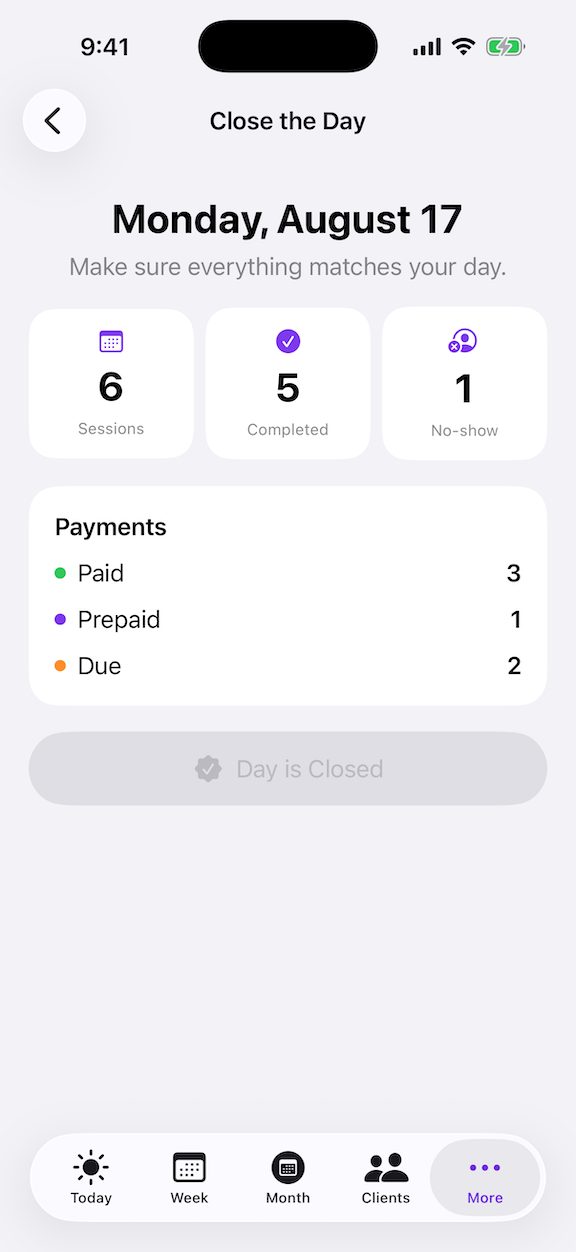
Close the loopA clear end to every day

THE COMPLETE WORKFLOW

Learn SmoothWeek in eight clear moves.

Choose any lesson or follow the guided path. Your progress stays visible as you move through the tutorial.

01SETUP

BUILT AROUND YOUR WORK

Personalize the words SmoothWeek uses.

Start by choosing your profession. SmoothWeek suggests natural language for the people you work with and the services you provide—and every suggestion remains editable.

  1. 1
    Choose your professionSelect the broad category that best matches your work.
  2. 2
    Confirm your identityBe specific: Personal Trainer, Guitar Teacher, Barber or your own title.
  3. 3
    Use your languageKeep “Client” and “Session,” or replace them with Student, Customer, Lesson and more.

Good to know You can change these terms later without rewriting existing appointment history.
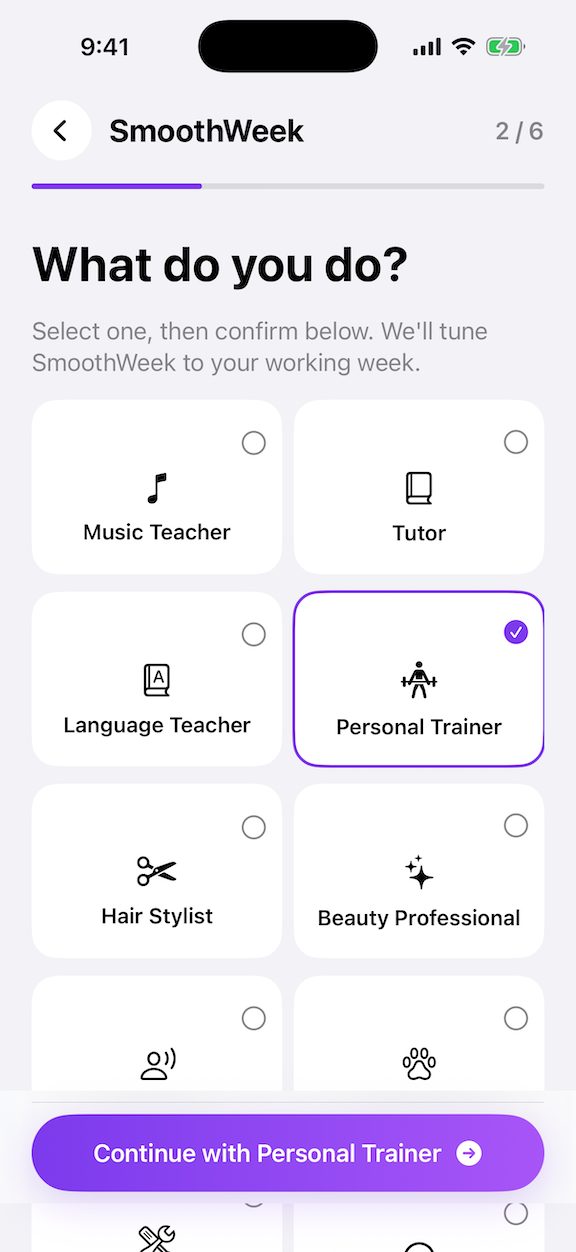
SmoothWeek onboarding képernyő, a Personal Trainer szakma kiválasztva
SELECTEDPersonal Trainer
Step 1 of 8

QUICK REFERENCE

The everyday SmoothWeek rhythm.

Keep this five-point checklist nearby until the workflow feels automatic.

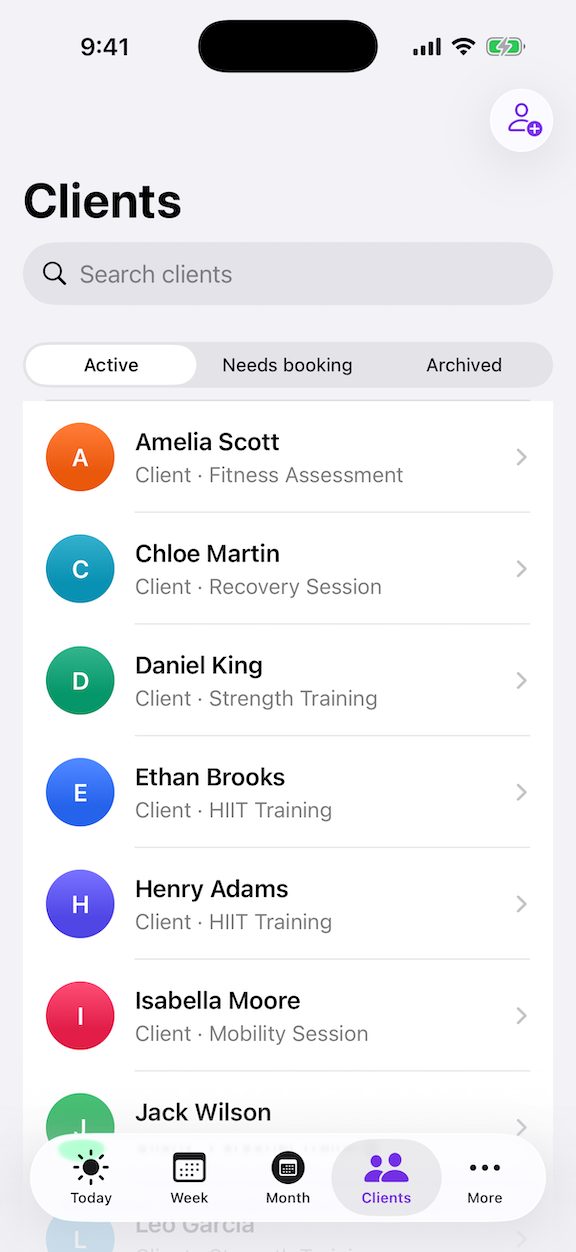
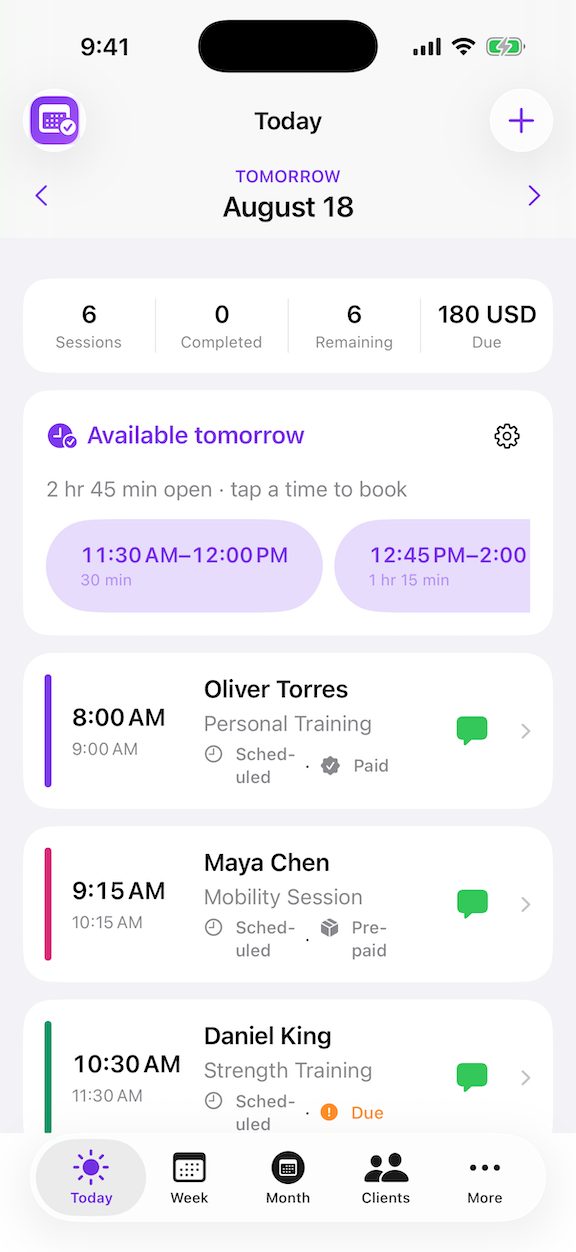
01Start with Today

See what is next, what is due and which sessions need attention.

02Add details once

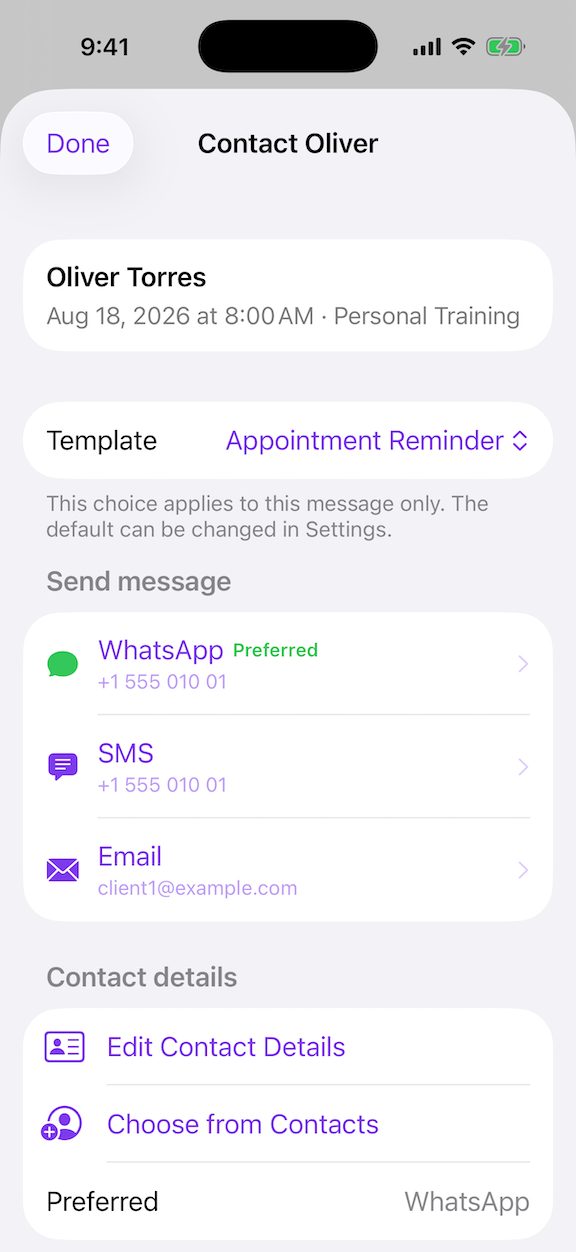
Let client profiles supply session type, duration, rate and contact context.

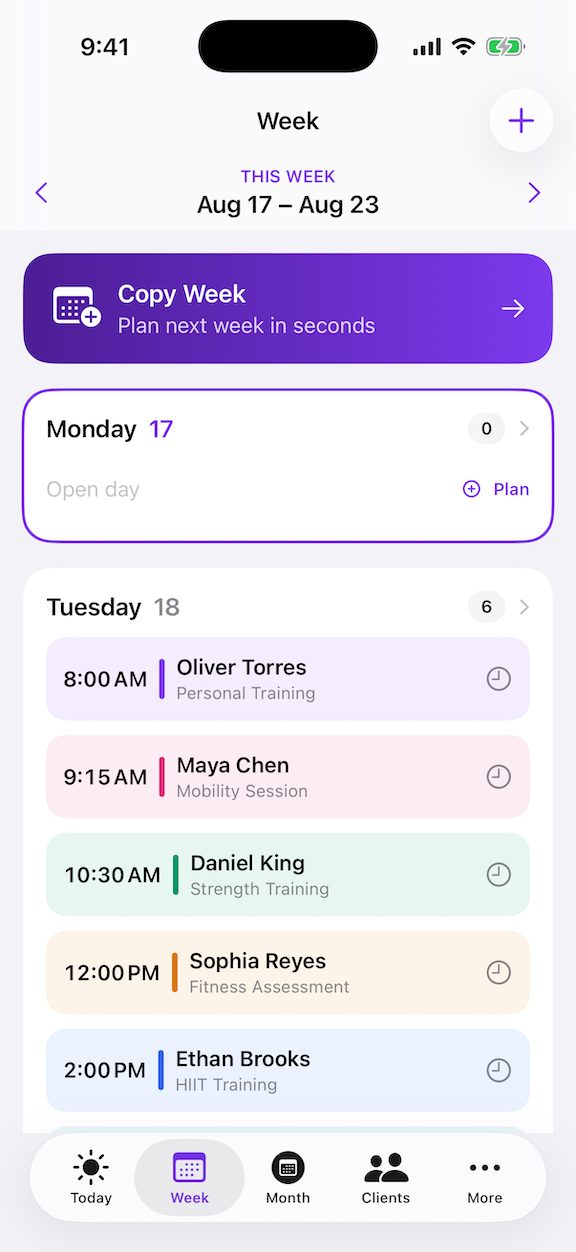
03Review before committing

Check recurrence, working hours and any conflict suggestions.

04Confirm real outcomes

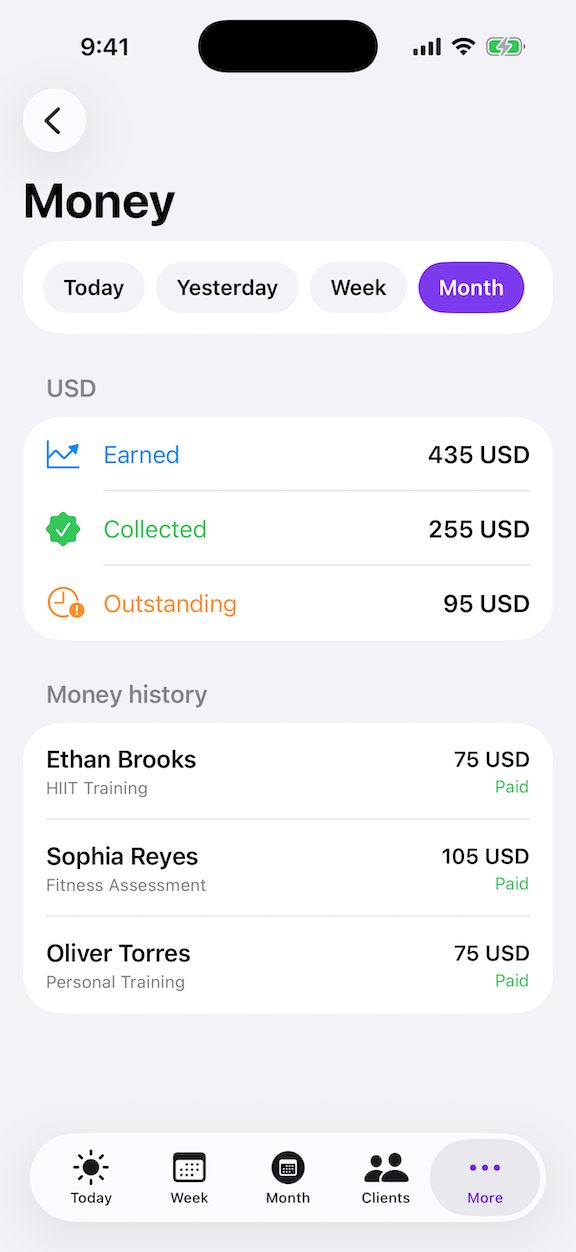
Complete, no-show and payment decisions always remain explicit.

05Close the loop

Wrap up the day and rely on Activity when you need the history.

PRIVATE BY DESIGN

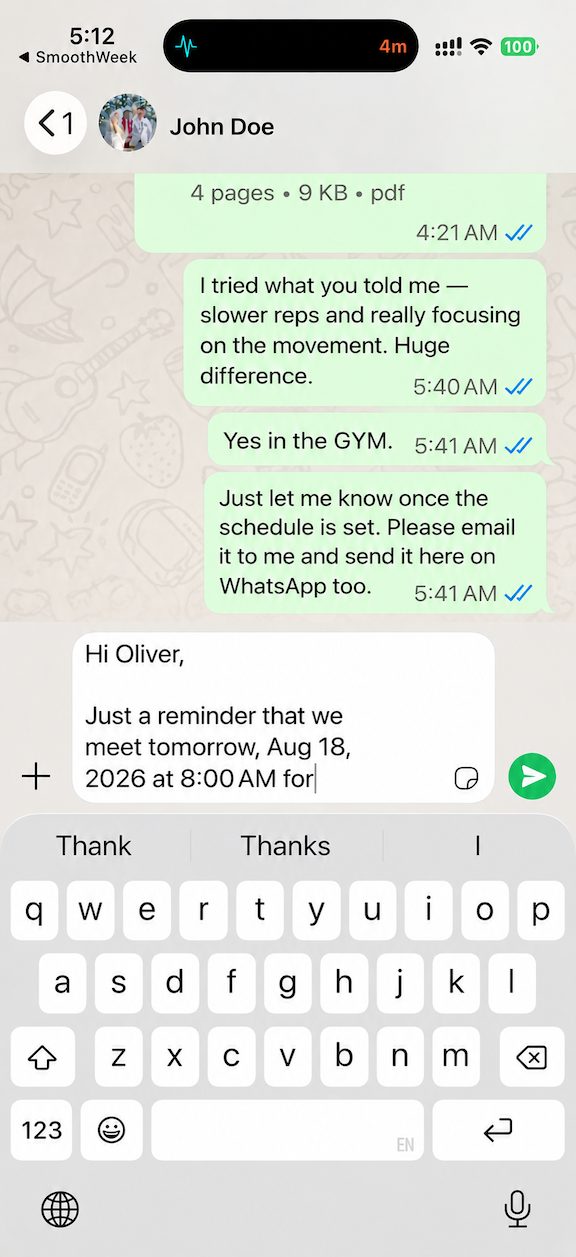
Your working week stays available on your device.

Core scheduling, clients, sessions, payments and activity tools are local-first. App lock, biometric protection and lock-screen privacy help keep everyday business information under your control.